

Android malware can steal your PIN and bank logins

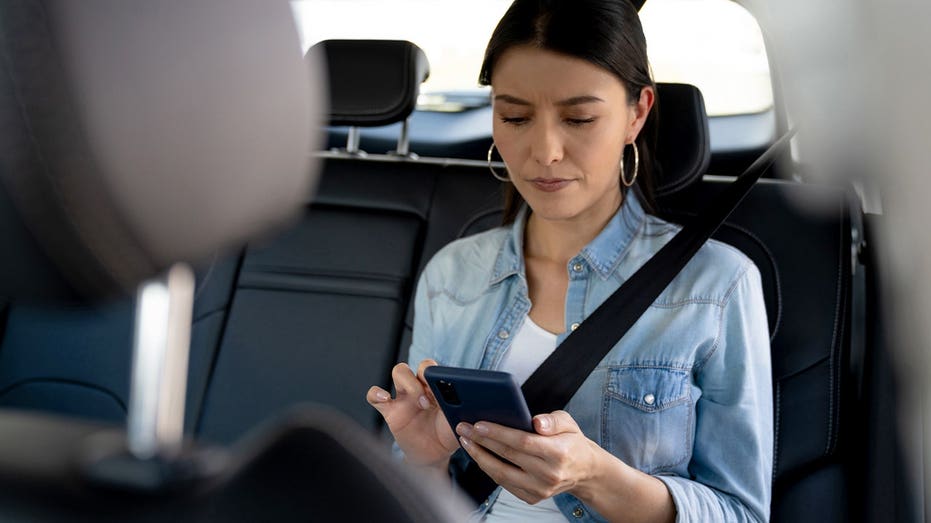
RatHat is a newly reported Android threat that can reach far beyond a typical malicious app. Researchers at Zimperium say it can steal banking credentials, capture authentication codes and even rebuild a PIN or unlock pattern from your screen touches. The malware also uses generative AI to help navigate the device and can create a persistent connection that may remain even after the visible app is removed.
The attack does not happen automatically. RatHat depends on social engineering to get in first. According to Zimperium, attackers mainly distribute it through SMS phishing, malicious ads and deceptive third-party download sites. The app may pretend to be something familiar, such as a streaming service or Chrome, but the key step is that the victim installs an APK manually from outside Google Play.
After installation, RatHat pressures the user to grant Android Accessibility access. The message can vary, sometimes claiming the permission will fix a network issue or unlock a financial benefit. Accessibility tools are legitimate features, but in the wrong hands they can let an app inspect what appears on screen and interact with the interface. RatHat uses that access to move through settings, enable Developer Options and turn on Wireless Debugging.
From there, the malware reads the six-digit ADB pairing code shown on the phone and connects to the device's own Android Debug Bridge without needing a separate computer. That gives it shell-level access outside the normal app sandbox. Zimperium says RatHat then launches a Go-based agent for system commands and a reverse-proxy client that maintains access to the phone's ADB service.
Its AI component makes the attack more flexible. RatHat sends data from Android's live Accessibility tree to a generative AI assistant, which helps identify on-screen items, read text and decide when to scroll. That allows the malware to adapt instead of following one rigid script. Once active, it can watch for financial apps and place fake screens over legitimate ones to trick users into entering banking logins. Zimperium found it targeting banking and cryptocurrency apps, including overlays aimed at WeChat and Alipay.
RatHat can also intercept SMS messages and notification content, giving attackers another route to one-time passwords and two-factor authentication codes. More unusually, it can monitor raw touch coordinates and compare them with keypad layouts to reconstruct PINs. The same approach can recover Android pattern-lock sequences, and because the data is read at a low level, normal protections that hide PIN digits from screen readers do not stop it.
How to reduce the risk
Avoid APKs sent through texts, ads or unfamiliar websites, and use the real Google Play Store app instead of browser-based download pages. Treat unexpected Accessibility requests as a major warning, and review which apps already have that permission. Most people should also keep Wireless Debugging off unless they specifically need it.
Google says it has not found RatHat on Google Play based on current detection, and that Android users with Google Play Services are protected against known versions through Play Protect, which is enabled by default. You can verify this in Google Play Store settings and also enable improved harmful app detection. On supported devices, Android's Advanced Protection can block unknown-source installs and restrict Accessibility services to verified accessibility tools.
If security software flags RatHat or you strongly suspect compromise, stop entering passwords or financial details on that phone. Use another trusted device to change important passwords, starting with your email, and review bank and card activity. Because RatHat may leave behind a separate background service and can interfere with uninstall attempts, a factory reset is the safest response to a confirmed infection.

Works on Android, iPhone, Windows and Mac. No Play Store, installs in 2 seconds.
Frequently Asked Questions
What's Your Reaction?
 Like
0
Like
0
 Dislike
0
Dislike
0
 Love
0
Love
0
 Funny
0
Funny
0
 Wow
0
Wow
0
 Sad
0
Sad
0
 Angry
0
Angry
0
















Comments (0)